



You’ve probably heard the term AI automation thrown around in meetings, LinkedIn posts, or tech articles. It sounds impressive. Maybe a bit intimidating too. But here’s the thing: most people using the phrase can’t actually explain what it means beyond “computers doing stuff automatically.”
So let me break it down.
AI automation is when artificial intelligence handles repetitive tasks without needing constant human input. That’s the simplest version. The slightly more technical version is that it combines machine learning, natural language processing, and other AI technologies with traditional automation to create systems that can think, learn, and adapt while they work.
Traditional automation follows strict rules. If this happens, do that. AI automation is different because it can handle uncertainty, make decisions based on context, and improve over time. A regular automated system might sort emails into folders based on keywords. An AI-powered system learns your patterns, understands nuance, and gets better at predicting which emails actually matter to you.
Why This Matters Now
The timing here is important. AI automation has existed in some form for years, but recent advances in large language models have changed everything. These tools can now understand context, generate human-quality text, analyze complex data, and interact with other software in ways that were impossible three years ago.
Companies are racing to implement this technology. Some are doing it well. Many are doing it poorly, slapping “AI-powered” labels on basic automation and hoping no one notices. The difference between good AI automation and bad AI automation often comes down to understanding what problems actually need solving.
Here’s a question worth asking: does your task require judgment, or does it require consistency? AI automation excels at both, but in different ways.
The Core Components

AI automation typically involves a few key pieces working together. You need data, obviously. The AI learns from patterns in that data. You need triggers, the events that start the automated process. You need actions, the things the system does once it’s triggered. And you need feedback loops so the system can improve.
Think about customer service chatbots. They receive a message (trigger), analyze the text using natural language processing (AI component), determine intent, search a knowledge base, generate a response (action), and learn from whether the customer seemed satisfied (feedback). All of this happens in seconds.
The sophistication varies wildly. Some AI automation is genuinely impressive, handling complex workflows that would take humans hours. Other systems are basically fancy if-then statements with a neural network bolted on.
Best Tools for AI Automation
The tools changes constantly, but a few platforms have established themselves as reliable options.
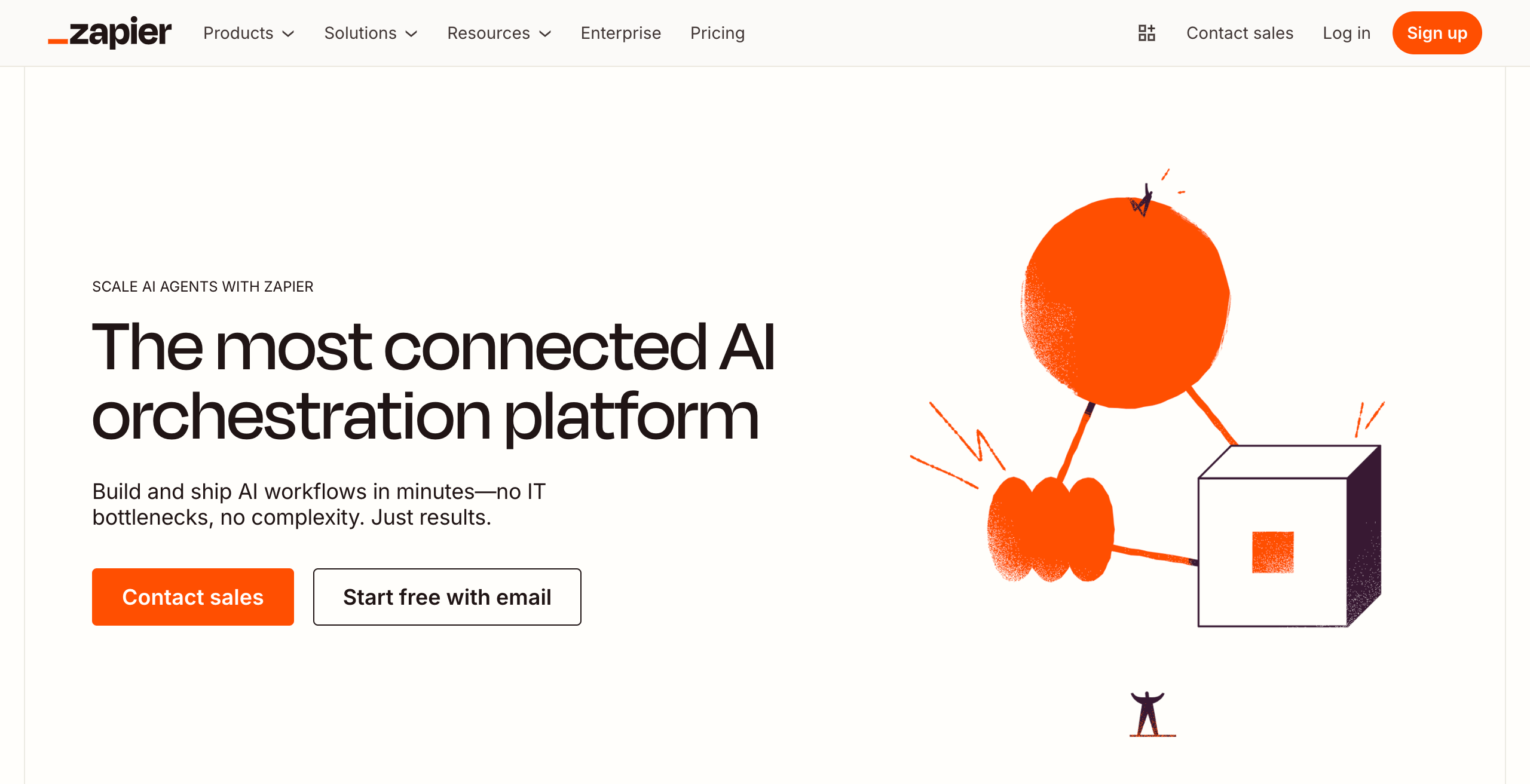
Zapier and Make (formerly Integromat) connect different apps and services together. They’ve both added AI features recently, letting you incorporate GPT-powered text generation, data analysis, and decision-making into your workflows. These work well for small to medium businesses that need to connect their existing software stack without custom coding.
UiPath and Automation Anywhere focus on robotic process automation with AI enhancements. They’re enterprise-grade solutions that can handle complex, multi-step processes across different systems. More expensive, more powerful, steeper learning curve.
ChatGPT and Claude with API access let developers build custom AI automation. You can integrate conversational AI into virtually any workflow. Customer support, content generation, data analysis, code writing. The APIs are relatively affordable and surprisingly flexible.
Microsoft Power Automate integrates deeply with the Microsoft ecosystem. If your company runs on Office 365, SharePoint, and Dynamics, this might be your best option. The AI Builder component lets you add machine learning models without being a data scientist.
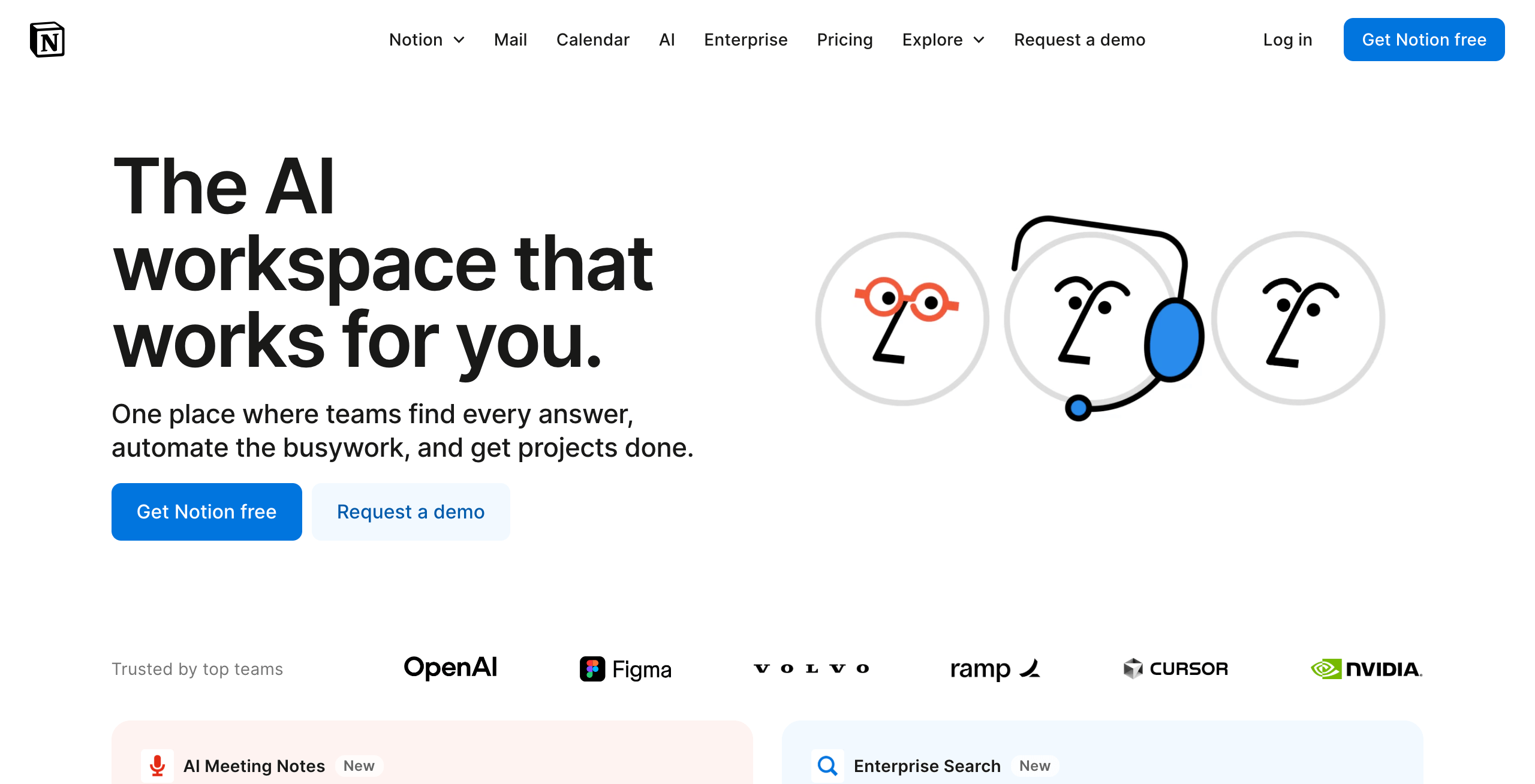
Notion AI, Airtable AI, and Monday.com AI have built automation features directly into their productivity platforms. This is the “AI coming to your existing tools” approach rather than requiring separate automation software.
n8n deserves mention as a self-hosted alternative. Open source, very customizable, works well if you have technical resources and care about data privacy.
The honest truth is that the best tool depends entirely on your specific situation. What software do you already use? What’s your budget? Do you have developers on staff? How complex are your workflows?
Practices That Actually Work
I’ve seen companies waste enormous amounts of money on AI automation that either doesn’t work or solves problems they don’t have. Here are practices that seem to separate successful implementations from expensive failures.
Start small and specific. Don’t try to automate your entire business at once. Pick one annoying, repetitive task that eats up time. Automate that. Learn from it. Then expand. I’ve watched teams spend six months building elaborate AI systems when they could have started getting value in a week by focusing on one clear problem.
Map the process first. Before involving AI, document exactly what happens now. Every step, every decision point, every exception case. You can’t automate what you can’t explain. This exercise often reveals that your processes are messier than you thought, which is valuable information by itself.
Keep humans in the loop initially. Let the AI suggest actions rather than taking them automatically. Review the results. This builds trust, catches errors, and helps you understand where the system needs improvement. You can reduce human oversight gradually as confidence grows.
Monitor for drift. AI systems can degrade over time as conditions change. The patterns that worked six months ago might not apply today. Set up regular reviews to check accuracy and effectiveness. Automate the automation monitoring if you want to be meta about it.
Be realistic about ROI. Calculate the actual time savings, not the theoretical ones. Factor in setup time, maintenance, and the cost of fixing mistakes. AI automation should pay for itself within a reasonable timeframe. If the math doesn’t work, the implementation probably won’t either.
Document everything. Future you will forget why the system works the way it does. Future employees definitely won’t know. Write down the logic, the edge cases, the reasons you made specific choices. This sounds obvious but gets skipped constantly.
Build for failure gracefully. Systems break. APIs go down. AI models hallucinate. Design your automation to fail in safe, recoverable ways rather than cascading into disaster. Have fallback options. Send alerts when things go wrong.
Common Pitfalls
Some mistakes show up repeatedly. Over-automation is a big one. People get excited and try to automate tasks that actually benefit from human judgment or creativity. The goal isn’t to remove humans from everything. It’s to remove humans from things that waste their time.
Another issue is poor data quality. AI automation is only as good as the information it works with. Garbage in, garbage out still applies. If your data is inconsistent, incomplete, or outdated, adding AI won’t fix that. It might make it worse by processing bad data faster.
Security and privacy concerns get overlooked. You’re often giving these systems access to sensitive information. Make sure you understand where data goes, how it’s stored, and who can access it. This matters more with third-party tools where your information lives on someone else’s servers.
What’s the Future Direction of AI Automation?
AI automation is moving toward more sophisticated reasoning and better integration across systems. The next generation of tools will handle more complex decision-making, understand broader context, and require less setup from users.
We’re seeing AI agents that can use multiple tools, correct their own mistakes, and work on tasks that take hours or days rather than seconds. These systems can break down high-level goals into specific actions, then execute them across different platforms.
The barrier to entry keeps dropping. You used to need a team of developers and data scientists. Now, some platforms let business users build sophisticated automation through conversation or simple visual interfaces.
This accessibility creates both opportunities and risks. More people can implement powerful automation, which is good. More people can implement poorly thought-out automation, which is less good.
Getting Started
If you’re looking to implement AI automation, begin by identifying your most time-consuming repetitive tasks. Look for things that happen regularly, follow predictable patterns, and don’t require creative thinking.
Research which tools integrate with your existing software. Many AI automation platforms offer free trials. Test them with a small project before committing to an enterprise plan.
Consider hiring someone with experience if the stakes are high. A consultant who’s implemented similar systems can save you months of trial and error.
The technology will keep evolving. What matters is building a foundation that can adapt as new capabilities emerge. Focus on solving real problems rather than implementing AI for its own sake.
AI automation works best when it amplifies human capabilities rather than trying to replace them entirely. The goal is to free people from repetitive work so they can focus on things that actually require human judgment, creativity, and connection.


